
The Conjunction of Fractals and AI
Galleries
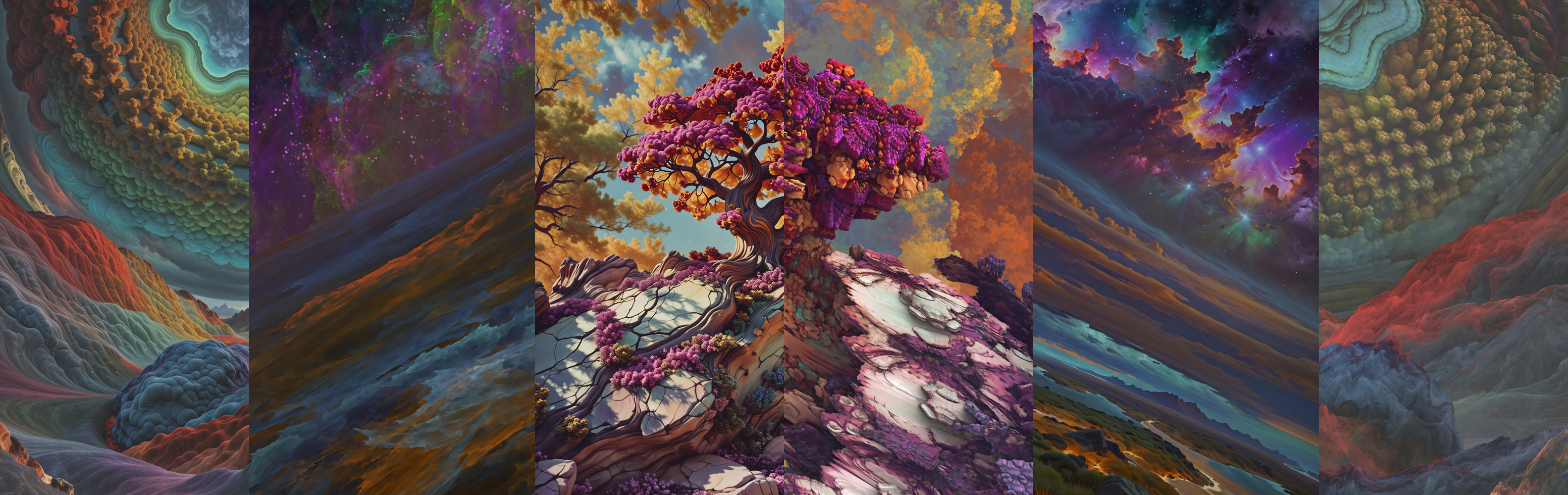
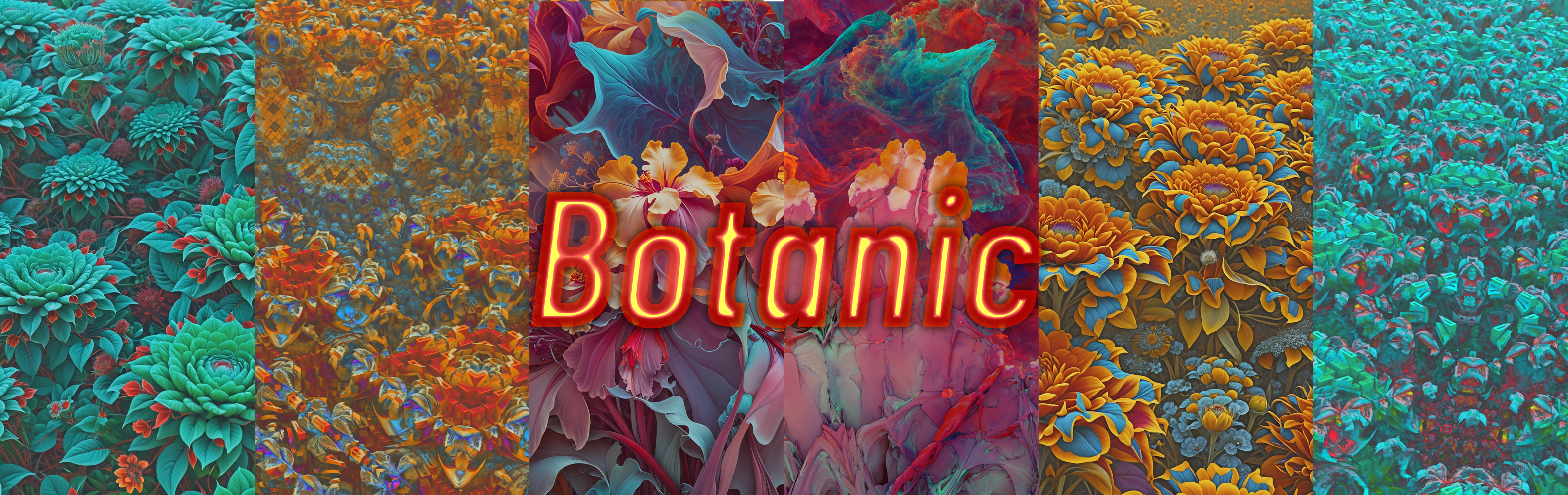
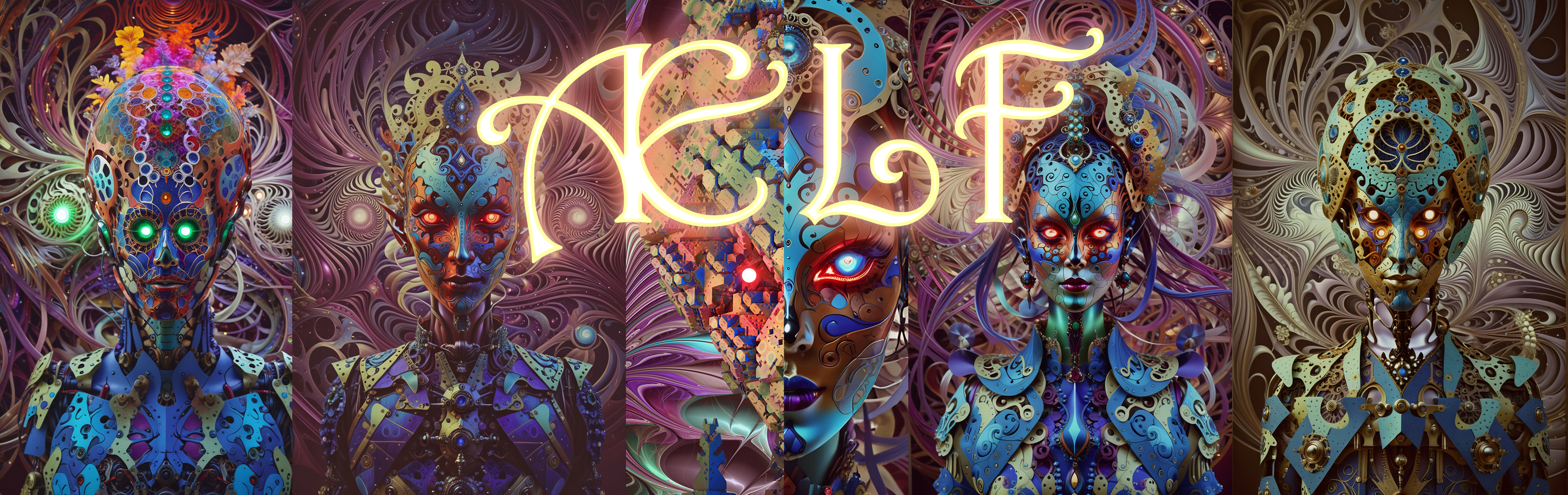
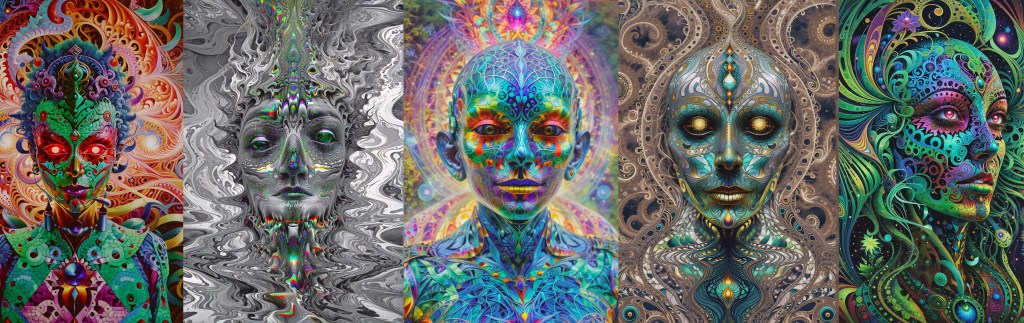
Process
The image galleries linked above were created in the following stages:
- Fractal Exploration: finding interesting forms in 2D and 3D fractal software (Apophysis and Mandelbulb3D) and other generative programs (Filter Forge)
- Fractal Composition: bring fractal forms into image editing software (Krita, Photoshop, GIMP, etc.) and create a composition that will be interpreted in a certain direction (landscape, city-scape, portrait, etc.)
- A.I. Interpretation: send the fractal composition through an a.i. interpretive upscaler (Ultimate Upscale by OpenArt.ai). I like to send it through without any accompanying text prompts, so I can get a clear sense of what the AI model “sees” in the fractal forms.
The fractal images can be thought of as a sophisticated prompt: The A.I. maps the collective human imagination onto the novel fractal form: taking abstract form-language and dressing it in representational form.
Reintegration and Synthesis
These images can be used to create a fine-tuning layer for specific text-to-image models. Even though base text-to-image models like Stable Diffusion rely on huge training libraries, they can be significantly modified by specialized small training data sets (10’s to 100’s of training images) thanks to the magic of matrix multiplication. One such type of layer is called a LoRA (Low-Rank Adaptation). Once the LoRA is created, I am now free to create any image of any subject matter all-the-while being fundamentally aesthetically influenced by my chosen FRACTAI.
You can try using my Fractaiscape LoRA on CivitAI
Image-to-Video
With a powerful text-to-image model creating art in my preferred style, I can take these generated images and animate them with various image-to-video models. Below are a couple of examples of simple music videos with animated images that were originally created with the help of a FRACTAI LoRA.
 fractalvisions.space